500+ projects for teams at












What Is Web App Design — and How Is It Different From Website Design?
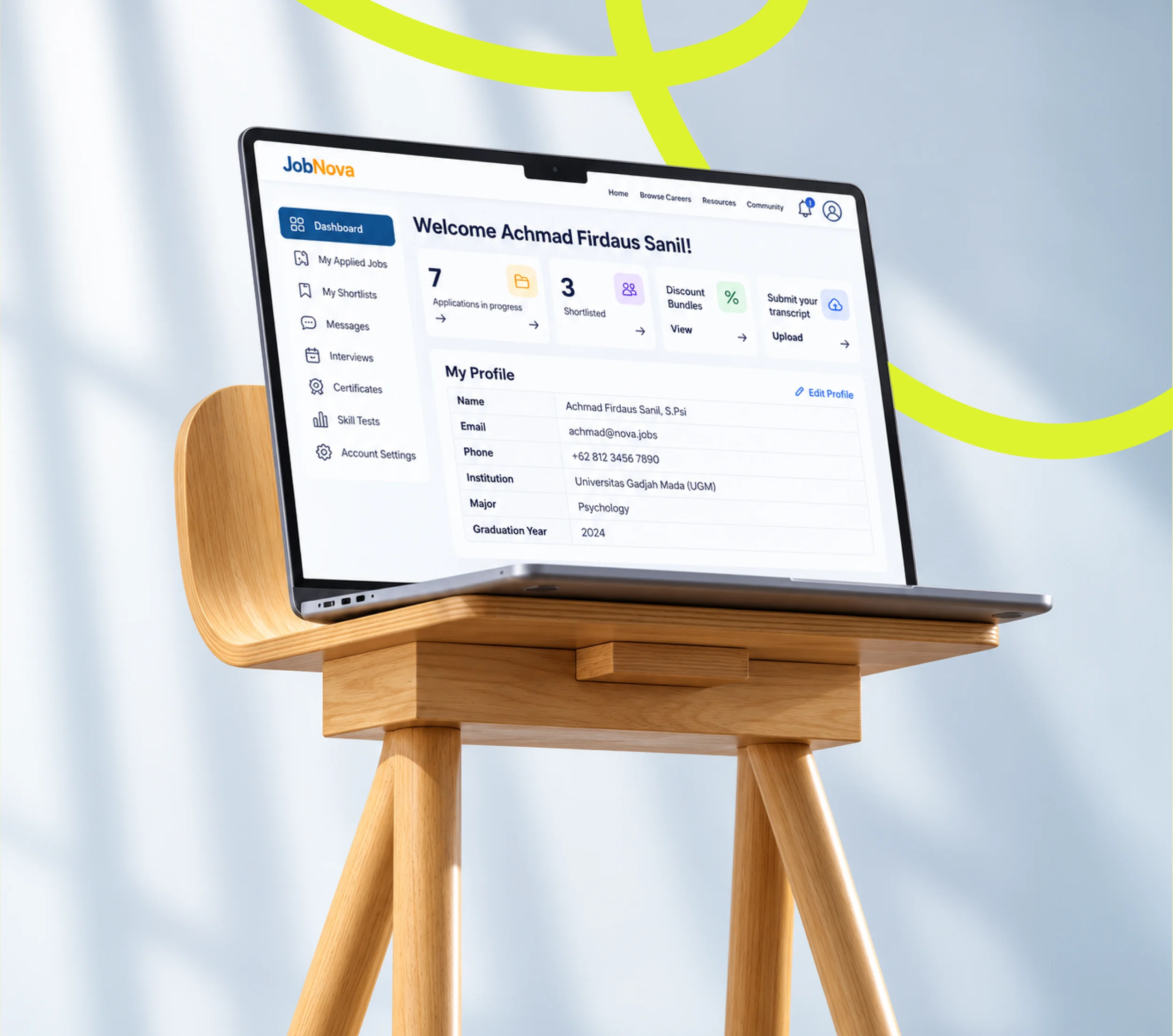
A website is read. A web application is used. That distinction sounds simple but it changes the entire design problem. Website visitors scan and leave; web app users are inside the product, completing real tasks — creating records, running reports, managing workflows, reviewing data. Every screen has to support that work.
Web app design covers the interface layer of software that runs in a browser: SaaS platforms, B2B tools, admin dashboards, internal tooling, self-service portals, and data-heavy products. The design challenges are different — state management, empty states, error handling, role-based views, pagination, bulk actions, multi-step flows, and data density all require considered decisions that don't come up in marketing site design.
We've been doing this work long enough to know what breaks when a product scales — and what makes a complex interface actually usable. Our web app design services address both.
What We Design
Our web app design services cover the full range of browser-based product interfaces — from early-stage SaaS products to mature enterprise platforms with thousands of users.

SaaS Product Interfaces
End-to-end design for subscription software products — onboarding, core workflows, settings, and account management. We design for long-term product scale, not just the current sprint.

B2B Tool Design
Business tools that professionals use every day. We design for power-user efficiency: keyboard shortcuts, batch operations, contextual actions, and role-based dashboards that match how teams actually work.

Admin Dashboards
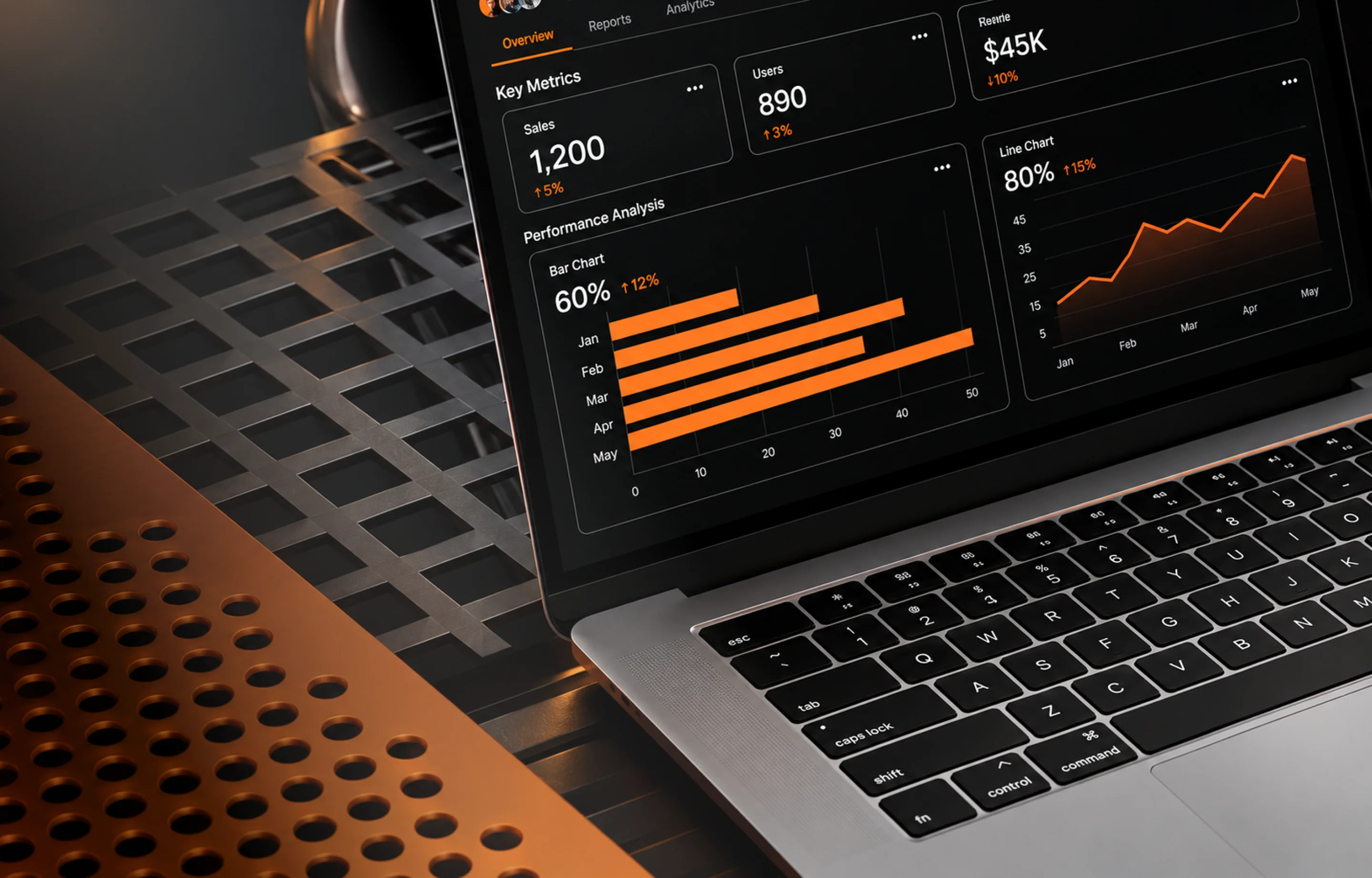
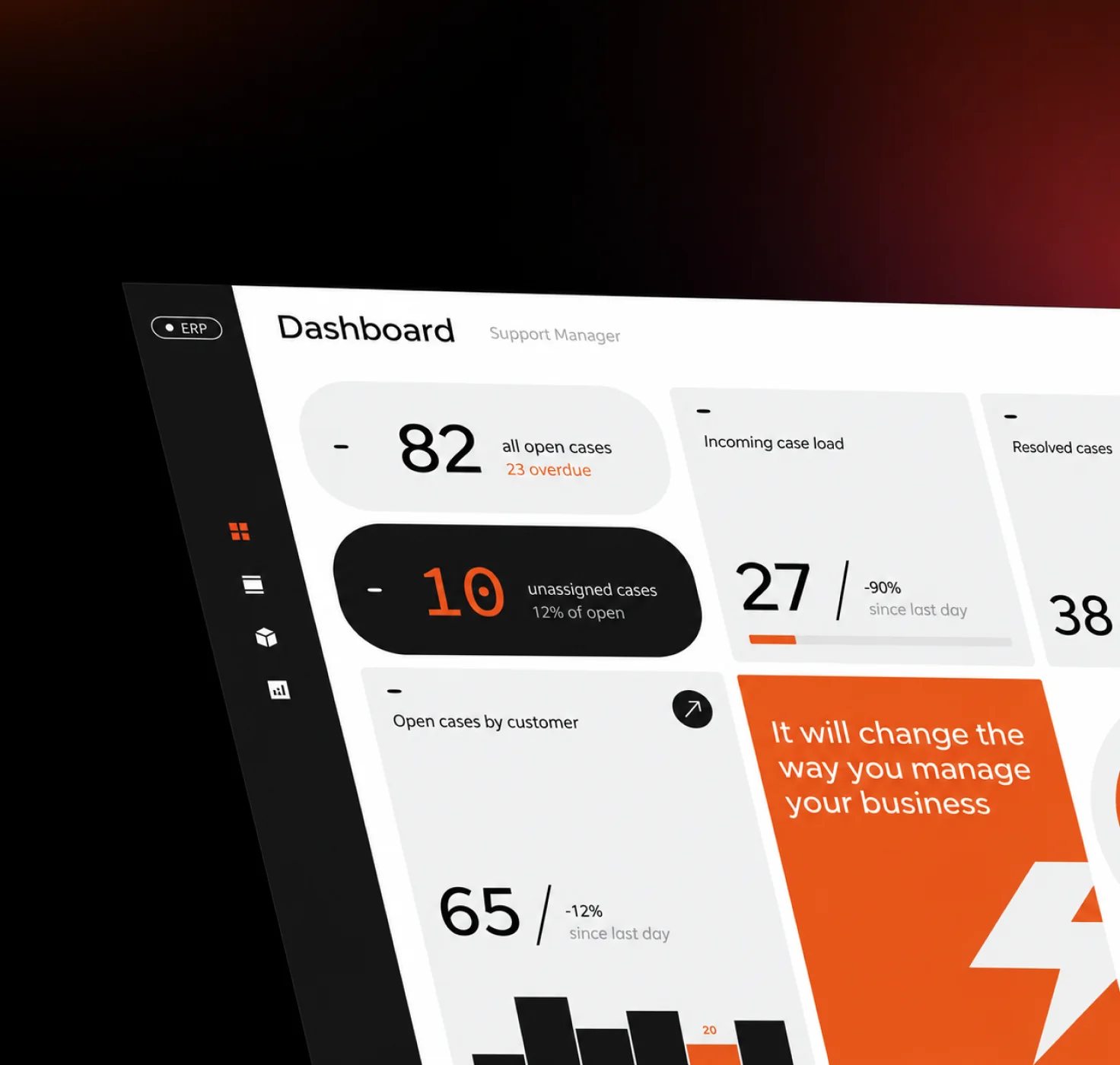
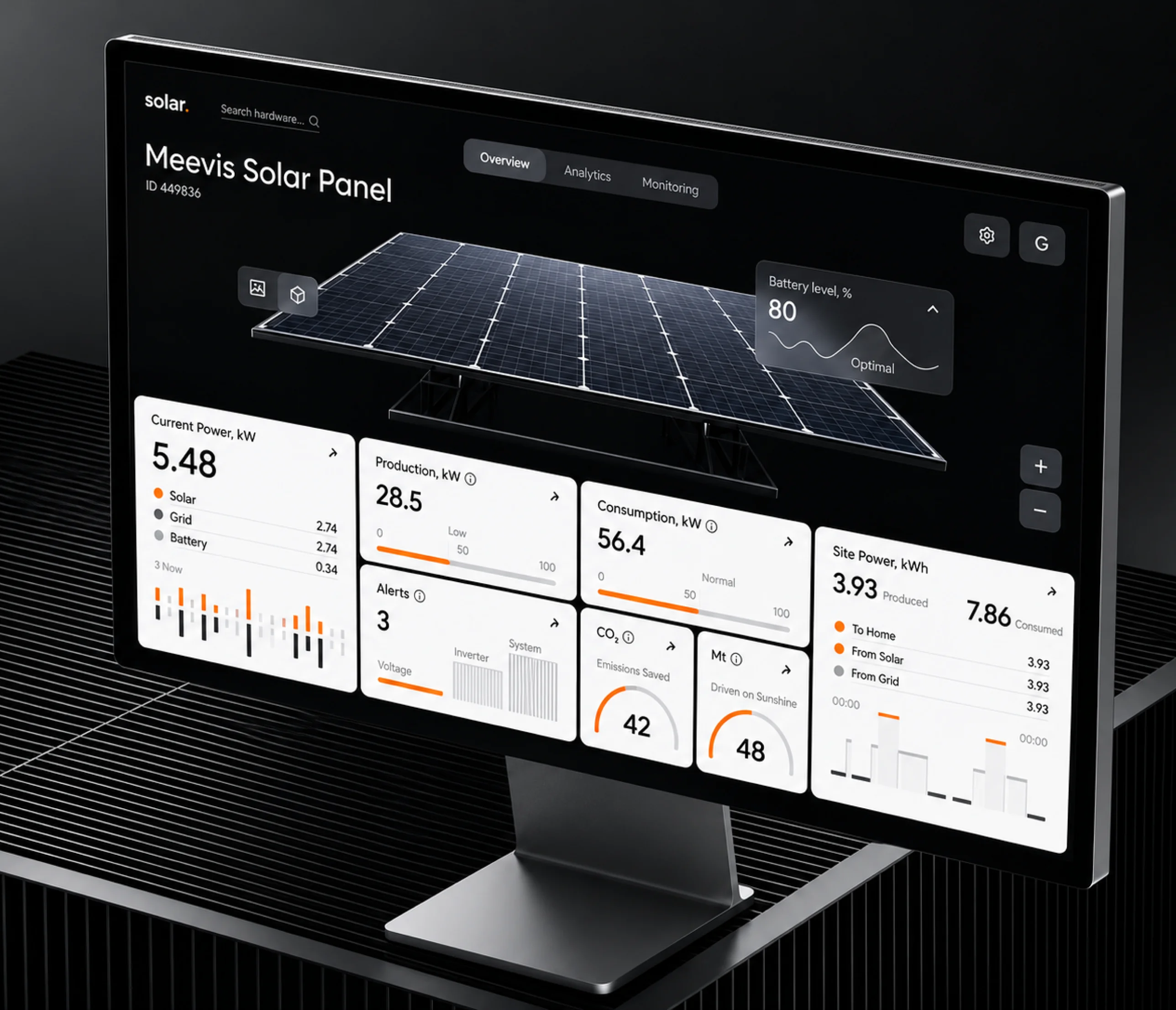
Dashboard and data interfaces where information density and visual clarity need to coexist. We design dashboards as communication tools — not decoration. Every chart, table, and KPI card earns its space.

Internal Tools & Ops Interfaces
Internal platforms that operations teams rely on — CRM overlays, workflow automation UIs, support tooling, and admin panels. Often underdesigned, always high-impact. We treat them as first-class products.

Data Visualisation Products
Analytics platforms, reporting tools, and monitoring interfaces where the product is the data. We design the visual grammar — chart types, colour encoding, drill-down patterns — before touching any individual screen.

Portal & Self-Service Products
Customer portals, partner dashboards, and self-service tools where users manage their own accounts, data, or relationships with your business. The UX needs to be clear enough that support tickets don't follow.
What You Get With Every Web App Design Engagement
No slide decks with vague recommendations. Every engagement closes with a Figma file your developers can build from and a component system your team can extend.

UI System File
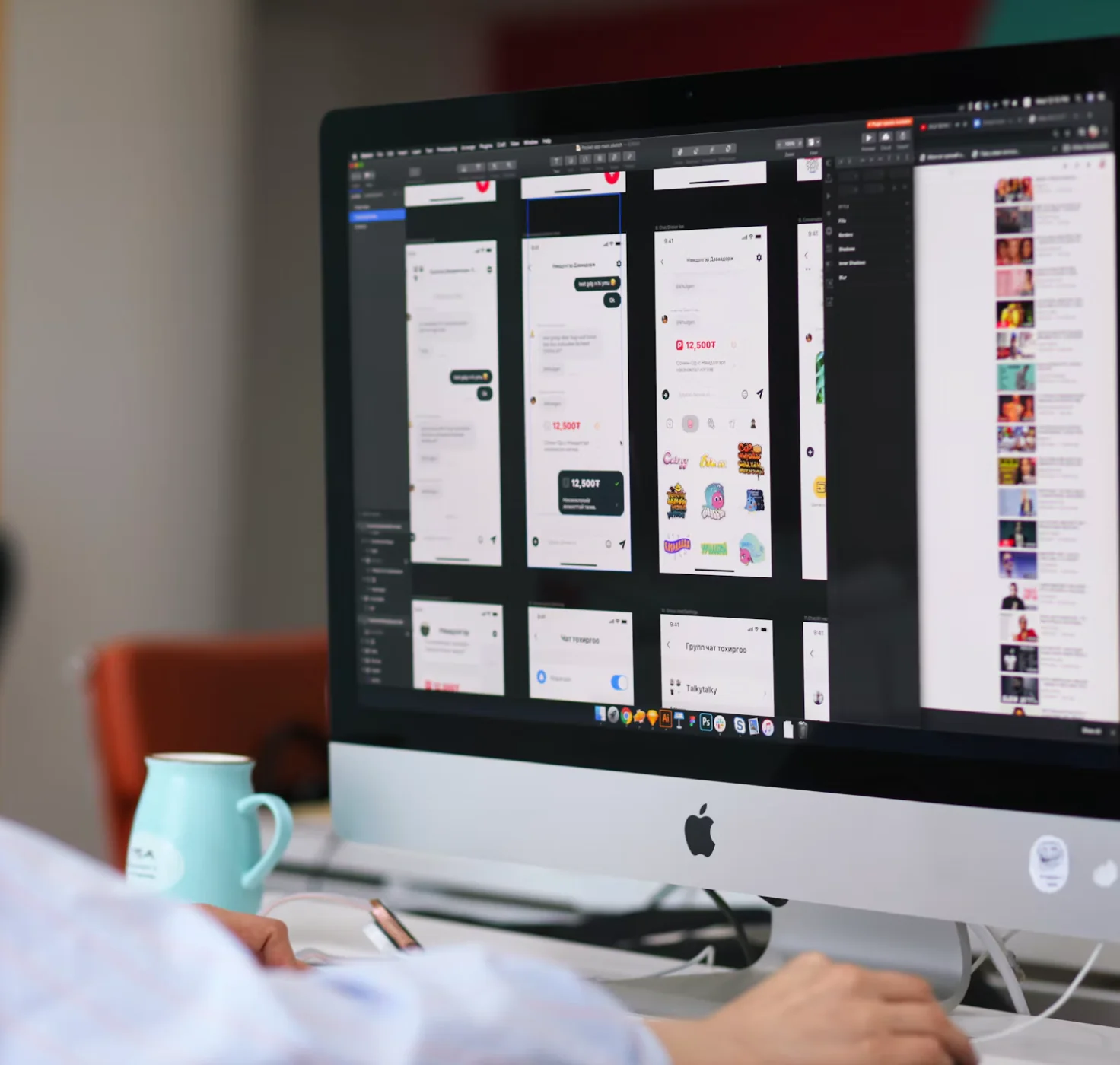
A Figma library with your colour tokens, typography scale, spacing system, and grid settings. The foundation every screen is built on — not a mood board, a production-ready system.

High-Fidelity Screens
Pixel-precise designs for every agreed flow — main views, empty states, loading states, error states, and edge cases. Delivered at desktop, tablet, and mobile breakpoints as required.

Component Library
Auto-layout Figma components for every UI element used across the product — buttons, inputs, tables, cards, modals, navigation, notifications. Structured so developers understand variants and states.

Design Tokens
Named token exports in JSON and CSS custom property format. Compatible with Tokens Studio. Every colour, spacing unit, radius, and shadow is a token — not a hardcoded value.

Interaction Notes
Annotated screen-level documentation covering transitions, hover states, loading sequences, and edge-case handling. Reduces back-and-forth with development at the implementation stage.

Developer Handoff File
A structured Figma handoff file with spacing annotations, typography specs, and a section-by-section implementation guide. Optionally includes a live walkthrough call with your engineering team.
Our Web App Design Process
Five stages. Every engagement, regardless of scope. Each stage has a clear output that unlocks the next.
Brief & Audit
We review your current product (if one exists), identify the highest-impact design problems, and agree on scope. New products get a product brief and user flow mapping.
UI System Design
Before any screens, we build the visual foundation — colour system, type scale, component primitives, spacing logic. This is where the product's visual identity gets established.
Core Flow Design
High-fidelity screens for the primary user flows — onboarding, main dashboard, core workflow, key settings. Reviewed and iterated with your team before expanding.
Full Screen Expansion
Additional screens, secondary flows, edge cases, empty states, and error states. Each one built using the established component system — consistent by construction, not by effort.
Handoff
Final Figma file, token export, and interaction documentation. Optional live handoff call. On subscription engagements, this is a milestone, not an ending — the design cycle continues.
Built for Product Teams Shipping Complex Software
Our web app design services are calibrated for teams who need a design partner that understands software — not just visual aesthetics.

Early-Stage SaaS Founders
You have a working product but the UI is holding back conversion and activation. We build a proper interface system around your core workflows — without redesigning everything at once.

Product Teams at Growth Stage
Your product works but design is becoming a bottleneck. On subscription, we work alongside your roadmap — new features get designed as you build them, not three sprints later.

Engineering-Led Teams
You've built something solid but the UI looks like developers designed it. We work from your existing component logic and improve the interface without throwing away what works.

Agencies Building Client Products
You're delivering a complex web app and need dedicated design capacity. We integrate into your process — Figma handoffs, sprint cadences, stakeholder reviews — and deliver production-ready designs on your timeline.

Enterprise Product Managers
Internal tools and legacy platforms that need a modern interface. We approach these pragmatically — audit first, redesign what creates the most friction, build a component system for the rest.

Dashboard & Analytics Products
Products where the interface is the value — reporting tools, monitoring dashboards, decision-support platforms. We design for information density and comprehension speed, not just aesthetics.
What Makes Us Different for Web App Design
There is no shortage of agencies that will take a web app project. Here is what we do differently.

We Understand Software Complexity
We have designed products with 50+ screen states, multi-level permission systems, bulk-action workflows, and real-time data views. We know how the edge cases will come back to bite you and we design for them up front.

Component-First, Always
We build the UI system before we build any screen. Every component is designed once, documented properly, and reused consistently. No one-off buttons. No margin hacks. No visual entropy over time.

Handoff Is Part of the Brief
Every engagement is designed so development can begin with confidence. Token exports, annotated specs, interaction notes, and — on request — a kickoff call with your engineering team are standard, not extras.

Subscription Fits How Products Ship
Products don't ship in one go and neither should design. On subscription, your design queue moves in sync with your product roadmap. New sprint? New design request. No proposal. No delay. No per-screen billing argument.

Figma Across the Stack
Every deliverable — system files, screens, tokens, documentation — is Figma-native. Your product team, engineering team, and design team all work from one source of truth. No version drift, no format conversion.

No Junior-to-Senior Bait-and-Switch
The senior designer who reviews your brief is the person doing your work. We don't quote with senior profiles and deliver with juniors. Small team, direct accountability.

Services That Work Alongside Web App Design



Web App Design Services — Frequently Asked Questions
A web app design engagement from DesignHQ typically includes a UI audit or brief, a UI system (colour, type, components), high-fidelity screens for all primary flows, responsive breakpoints, a Figma component library, design tokens, and a developer handoff file. Scope is defined at kickoff and can be adjusted on a subscription basis.
Website design is primarily about marketing and information architecture — the goal is to convert a visitor. Web app design is about task completion and workflow efficiency — users are inside the product, completing real work. This changes everything: navigation patterns, state handling, data display, empty states, error flows, and component complexity all differ significantly.
Yes. Dashboards and data interfaces are a core part of our web app design work. We design analytics dashboards, admin panels, reporting tools, and operational interfaces. The challenge with dashboards is information hierarchy — we approach them as data communication problems, not decoration tasks.
Yes. Web app redesigns are a significant portion of our work. We typically begin with an interface audit to identify the highest-impact friction points, establish a new UI system, and redesign key flows before expanding to the full product. This reduces scope risk and gives development teams a manageable migration path.
All our web app design work is done in Figma. Deliverables include a Figma file with auto-layout components, a design token library (compatible with Tokens Studio), annotated screens for developer handoff, and — on request — Zeplin or Storybook-ready exports. We do not use Adobe XD or Sketch.
On a DesignHQ subscription, you get a dedicated design team working on your product on an ongoing basis. You submit design requests — new features, flow revisions, component additions — and we turn them around within the agreed cycle time. There is no per-project negotiation. The subscription scales up or pauses as your roadmap changes.
Yes. Handoff is part of every engagement. We deliver annotated Figma screens, a component spec file, a design token export (JSON/CSS), and responsive layout notes. We can also run a live handoff call with your engineering team to walk through interaction specifications, edge cases, and state diagrams.
Let's Connect.

Let's Connect.
Let's Connect.
Let's Connect.