
Lock the Flow Before You Touch the Pixels
Wireframing and prototyping services that define the structure, logic, and user flows of your product — before visual design begins. Faster iterations, fewer redesigns, cleaner dev handoffs.
500+ projects for teams at












Wireframing Is Where Product Logic Gets Decided
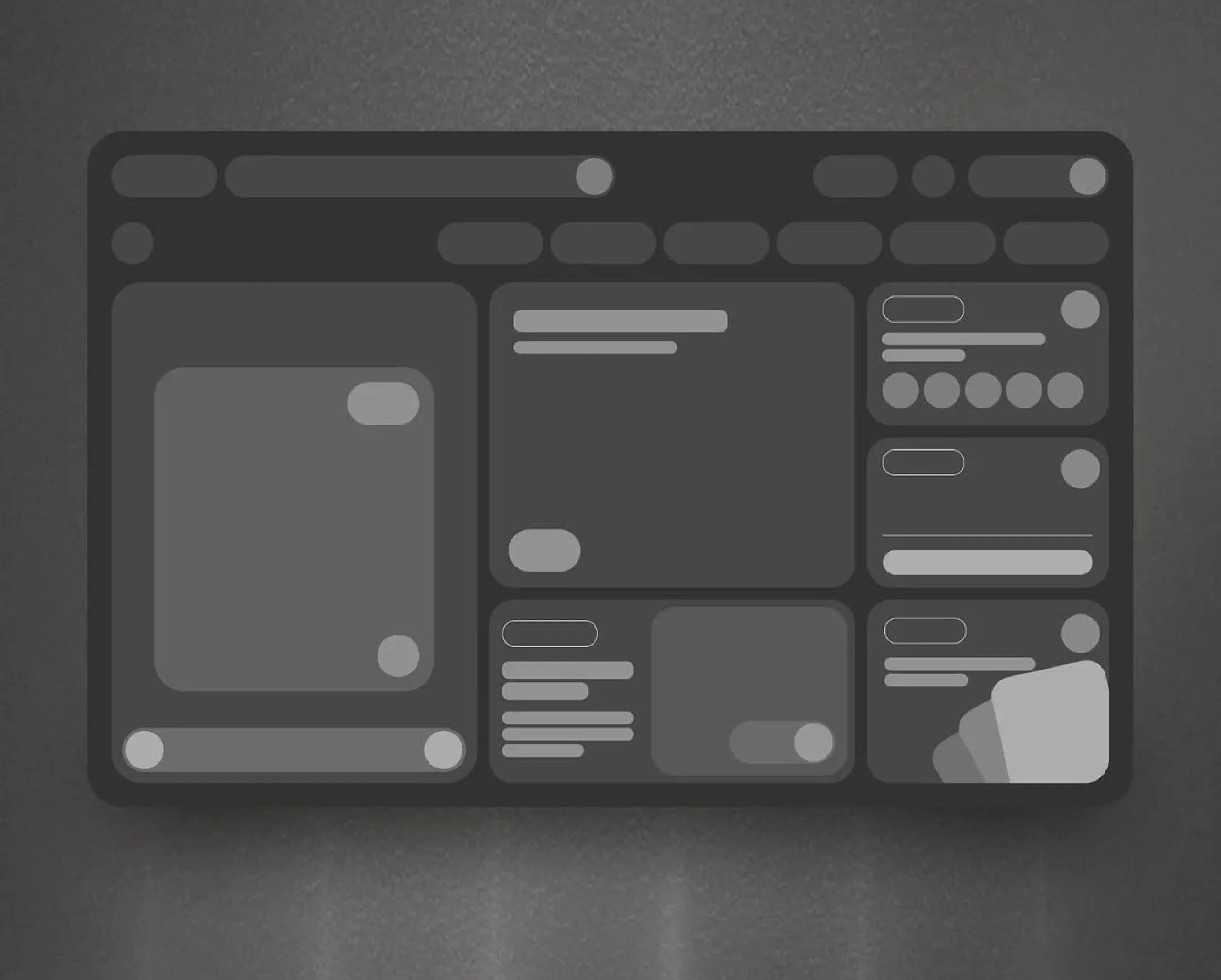
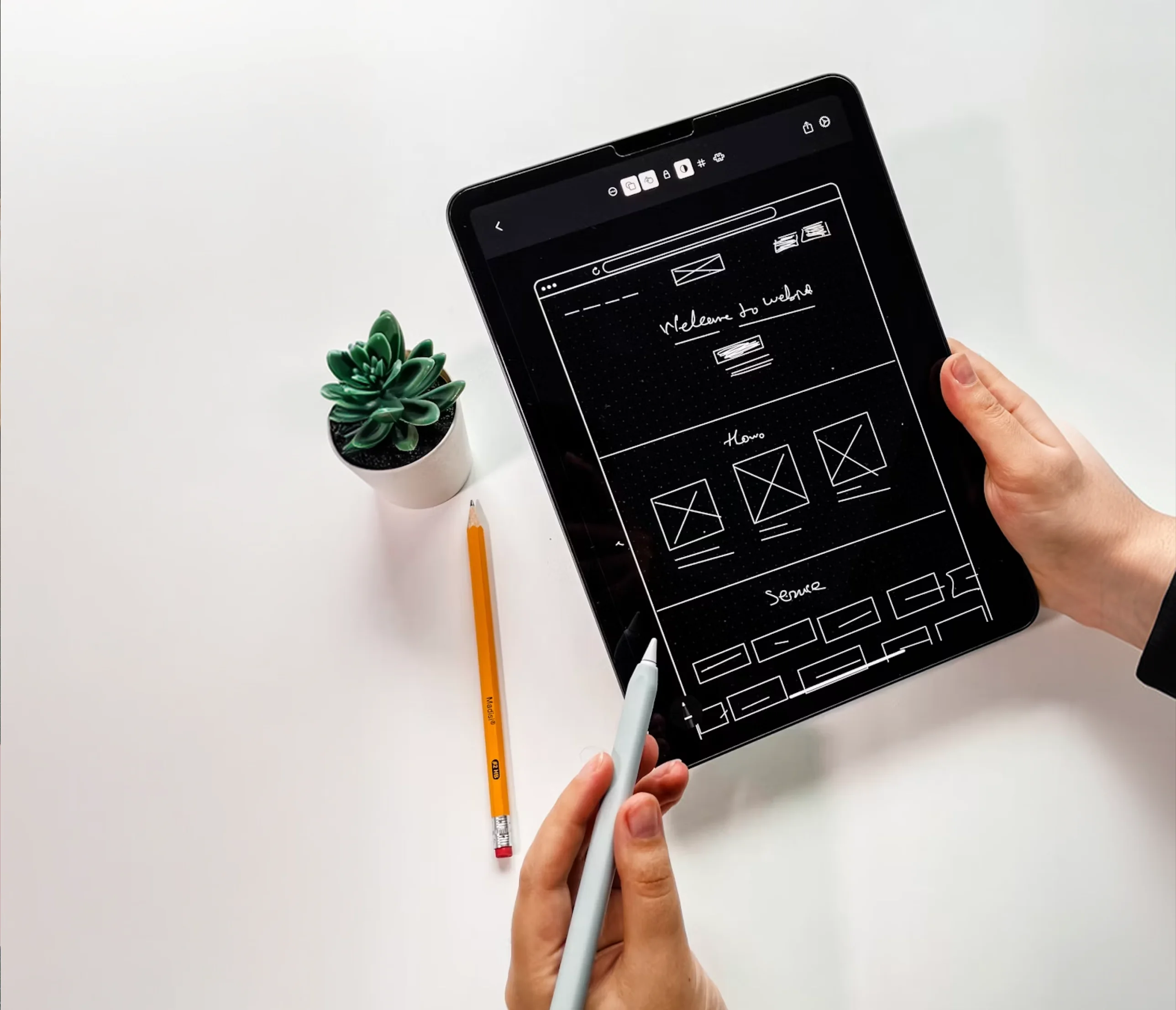
A wireframe is a structural blueprint of a screen — it shows what content appears on a page, how it's arranged, what actions a user can take, and how one screen connects to the next. No colour. No brand. No visual design. Just structure and logic.
The value of wireframing is in what it avoids. Every structural decision resolved in a wireframe is a redesign that doesn't happen after visual design is done. Moving a primary action to a better position costs 10 minutes in a wireframe and half a day in a finished UI. Restructuring a navigation flow in wireframes takes hours; in a live product, it's a development sprint.
We wireframe web applications, SaaS products, marketing websites, mobile apps, and complex multi-screen flows — from quick 3-screen explorations to full product blueprints. The output is a Figma file your designer, developer, and stakeholder team can all use.
Low-Fi, Mid-Fi, and High-Fi — What Each Is For
Not every project needs the same level of wireframe detail. We match the fidelity to your stage, question, and what you need to test or communicate.
Real labels, defined components, structured layout
- •Precise component placement and sizing
- •Actual navigation labels and button copy
- •Interaction states (hover, empty, error)
- •User testing ready
- •Designer and developer handoff ready
Best for: Most design and development workflows
Wireframe Deliverables From DesignHQ
Every wireframe project is delivered as an organised, annotated Figma file — structured so your design team, development team, and stakeholders can all work from the same source.

User Flow Diagrams
Visual maps of every user journey through the product — from entry points to completion states, including branching paths, error states, and edge cases. The flow diagrams that wireframes are built from.

Screen Wireframes
Structured screen layouts for every page in scope — desktop, tablet, and mobile breakpoints where relevant — showing component placement, content hierarchy, and interactive element positioning.

Screen Annotations
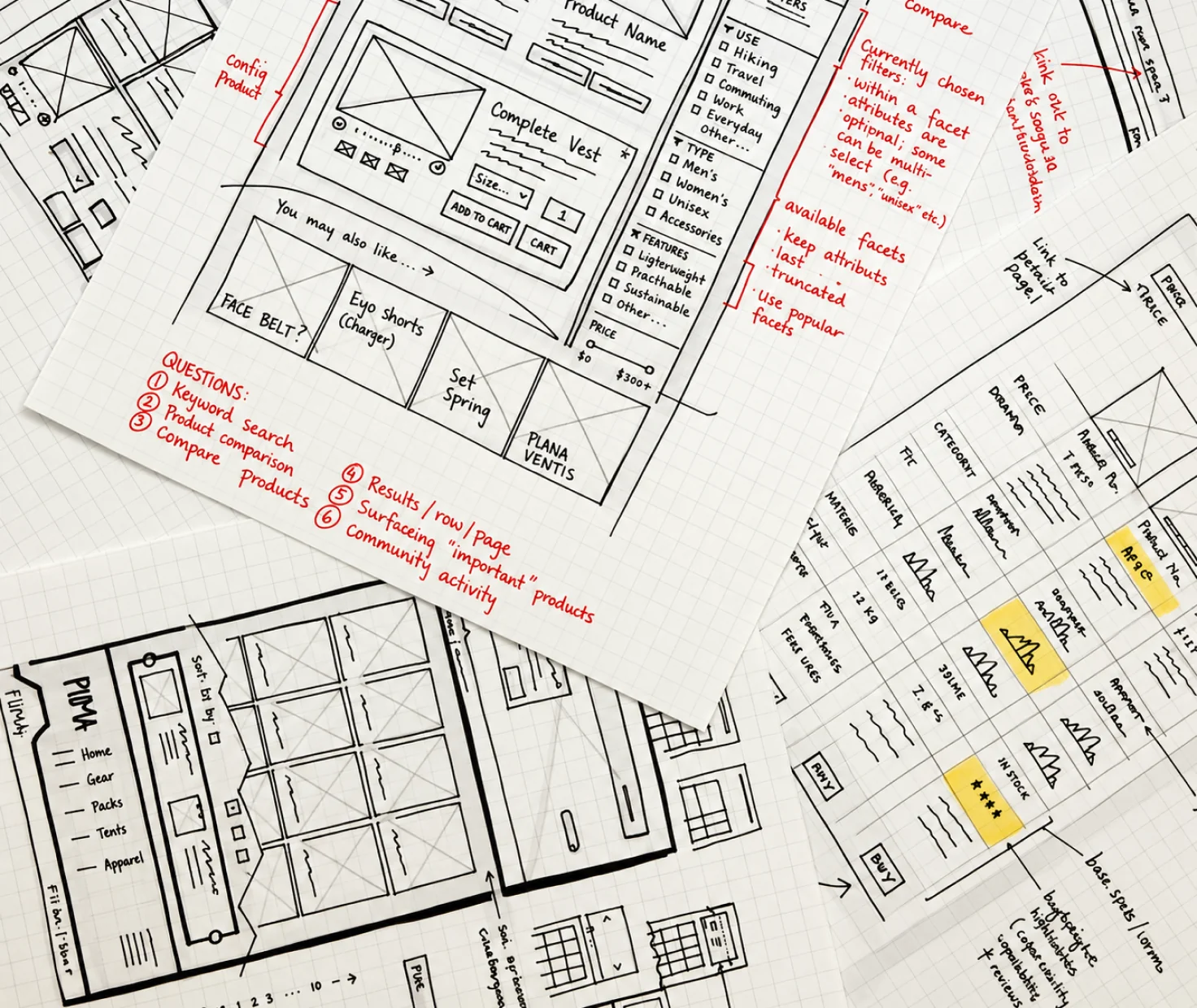
Numbered notes on every wireframe screen explaining interaction logic, content requirements, edge cases, API dependencies, and component behaviour. Everything a developer needs to understand intent.

Interactive Prototype
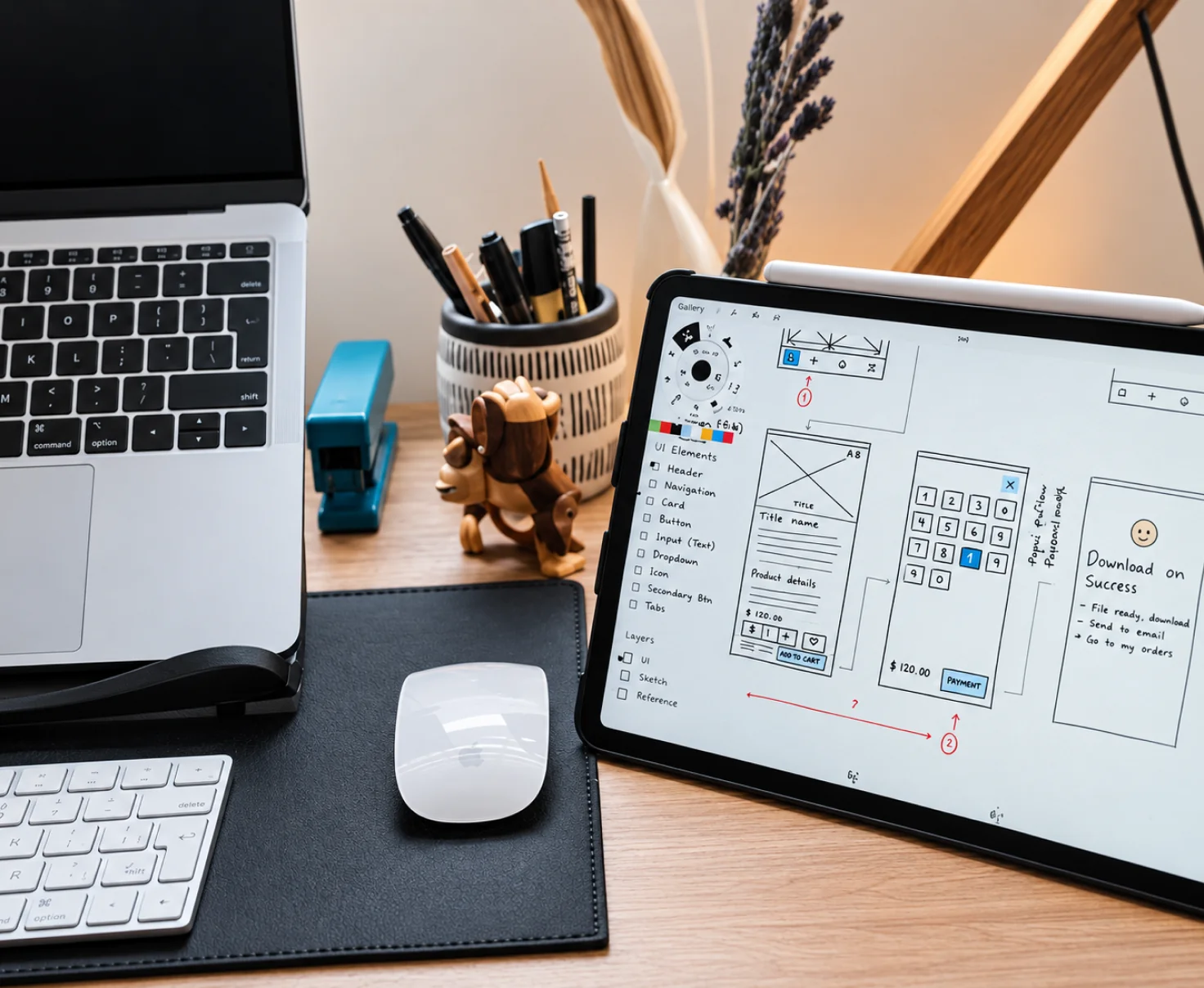
Clickable Figma prototype linking wireframe screens into a navigable flow. Stakeholders and users can click through the full experience before visual design or development begins.

Responsive Wireframes
Where required, separate wireframe views for each breakpoint — showing how layouts adapt from desktop to tablet to mobile, including component reordering, collapsed navigation, and stacked layouts.

Figma Handoff File
Organised Figma file with named pages, labelled frames, grouped components, and shared styles. Ready for a UI designer to pick up directly — no cleanup required before visual design begins.
Web Apps, Mobile Apps, and Marketing Sites
Different product types have different wireframing requirements. Here's how we approach each.

SaaS & Web Application Wireframes
Web apps are the most structurally complex wireframing work — multi-role access, dashboard layouts, data-heavy screens, complex navigation, and dozens of interaction states. We wireframe the full product architecture: navigation, primary views, secondary flows, modals, empty states, and error handling. Every screen is annotated with interaction logic and component behaviour for your development team.
From Brief to Figma-Ready Wireframes
A clear, fast process — five steps from a blank canvas to a structured wireframe set your team can hand off to a developer or test with users.
Wireframe Brief
Define scope, screens, user types, and any existing constraints — existing product, brand guidelines, or dev framework.
Flow Mapping
Map user journeys, entry points, task paths, branching conditions, and screen connections before drawing a single layout.
First Wireframes
Low-fi or mid-fi wireframes for key screens. First iteration delivered within 1–2 days depending on scope.
Review & Iterate
Structured review with your team. Unlimited revisions until every flow, screen, and annotation is exactly right.
Handoff
Final Figma file with flows, wireframes, annotations, and interactive prototype — ready for your design or dev team.
Wireframing Services For
Teams who are about to build something and want the structure resolved before visual design or development begins.

Product Teams Starting a New Feature
You have the spec and the user stories. Wireframes translate that into a testable screen structure before your designer opens the visual layer.

Founders Building an MVP
Wireframes give you a tangible, clickable version of your product concept to test with users, present to investors, or brief a development team — before spending on code.

Teams Redesigning an Existing Product
Wireframes let you work through the new structure without committing to visual decisions — so structural changes stay cheap and fast before the design layer begins.

Development Teams Needing Clarity
Developers build faster and with fewer questions when a wireframe with annotations tells them exactly what every screen does, not just what it looks like.

Teams Running Usability Testing
An interactive prototype of your wireframes gives you a testable version of the product structure before any visual design work begins — so you validate the right flows first.

Agencies & Design Teams Without Capacity
Your team is on UI and visual work. We run the wireframing phase on your behalf — with the structured, annotated Figma output your team or your client expects.
Wireframes That Move Straight to UI
We wireframe in the same Figma environment our UI designers use — so the handoff from wireframe to visual design is seamless, not a translation exercise.

Wireframe-to-UI Continuity
Our wireframes are built using the same Figma component structure as our UI designs — so when visual design starts, the wireframe becomes the base layer, not a separate file to reinterpret.

Fast First Turnaround
First wireframes in 1–2 days. We move quickly so your team isn't waiting on a structural decision before everything else can proceed.

Annotation-First Delivery
Every wireframe screen is annotated — interaction states, edge cases, empty states, content requirements, and component behaviour. Not just layouts, but intent.

Web and Mobile, Both Done Right
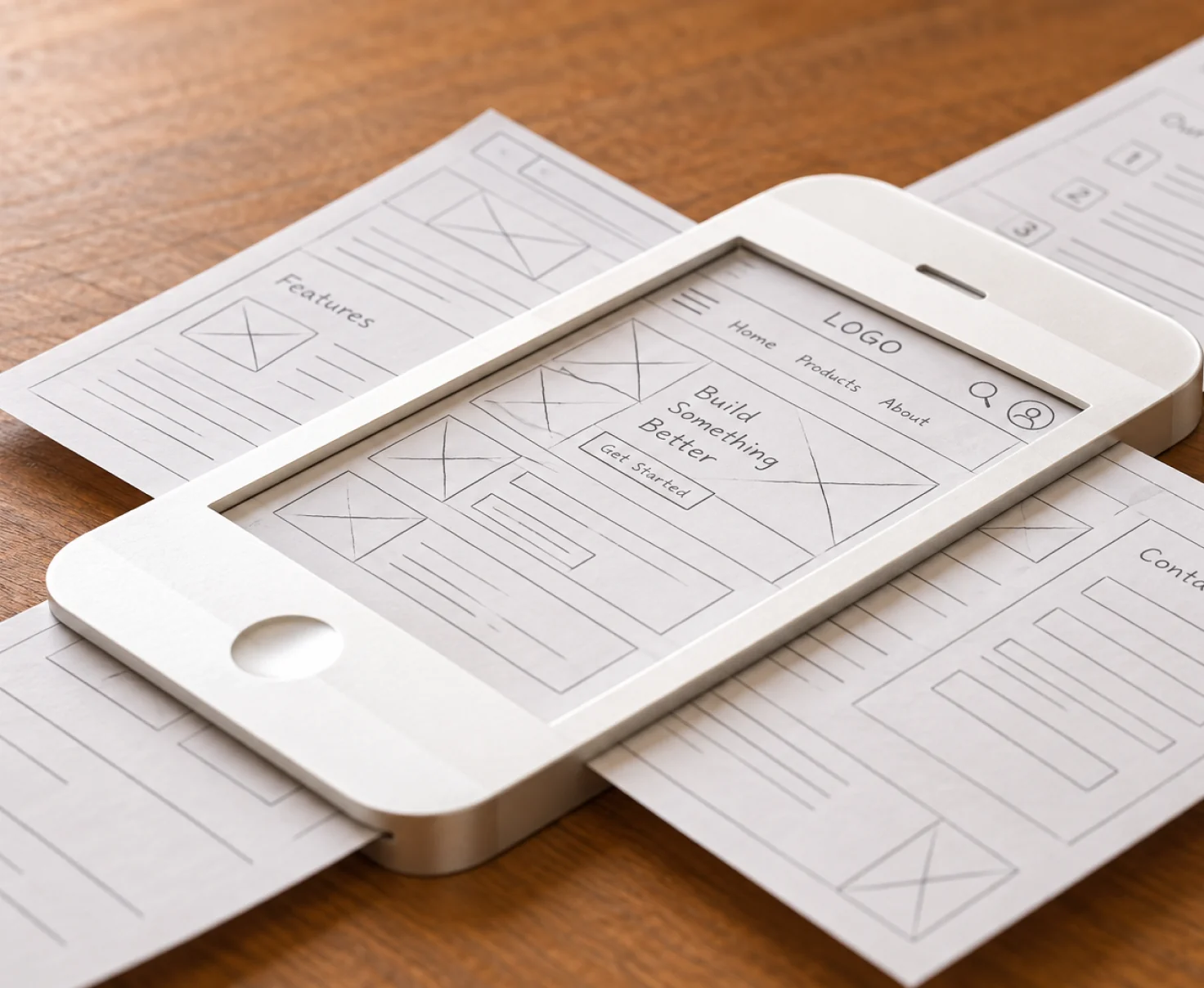
Mobile wireframes aren't scaled-down web designs. We work to platform dimensions and apply mobile-native UX patterns for iOS and Android separately.

Unlimited Revisions
Wireframes need iteration — that's the whole point. Unlimited revisions until the structure is exactly right, without worrying about revision limits or change-order conversations.

Research-Backed by Default
We bring UX research into the wireframing process when it matters — so structural decisions are based on what your users actually need, not what looks reasonable in a meeting.

What Comes Before and After Wireframing



Wireframing Questions, Answered
Wireframing is the process of designing the structural blueprint of a screen or interface — without visual design, colour, or final copy. A wireframe defines what elements appear on a screen, where they sit, how they relate to each other, and what happens when a user interacts with them. It answers 'what is on this screen and how does the flow work?' before the question 'what does it look like?' is addressed. Wireframes are the essential intermediate step between a product concept and a visual design.
Low-fidelity wireframes are rough, fast layouts — often just boxes and placeholder text — used to explore structure and flow before committing to detail. They're ideal for early-stage ideation and stakeholder alignment because they invite feedback on structure, not aesthetics. Mid-fidelity wireframes add more specificity — actual labels, defined components, realistic spacing — without adding visual design. High-fidelity wireframes are detailed structural blueprints that closely represent the final layout, ready to be handed off to a UI designer or used directly in interactive prototypes.
Because structural decisions are far cheaper to change in wireframes than in finished visual designs. Changing the position of a key action, the structure of a navigation, or the layout of a form takes minutes in a wireframe and hours (or days) in a high-fidelity design with applied typography, colour, and component styling. Wireframes let you align stakeholders on structure, validate flows with users, and resolve logic questions before the visual design team begins — so visual design work is fast and clean.
All wireframes are built in Figma, using a structured wireframe component library. This means wireframe files are organised, versioned, and directly usable as the base layer for UI design — no translation between tools required. Interactive prototypes are also built in Figma, using Figma's native prototyping system for flows, overlays, scroll behaviour, and conditional interactions.
A focused screen or flow wireframe (3–5 screens) can be turned around in 1–2 days. A full product or feature set covering 10–15 screens typically takes 1–2 weeks depending on complexity, the volume of user flows, and the number of iteration rounds. Interactive prototype builds add time for wiring flows and testing interactions. On a subscription plan, wireframing runs iteratively — each sprint handles a section of the product, with reviews and revisions built into the cadence.
Yes. We wireframe iOS and Android mobile apps, web apps, dashboards, marketing websites, and multi-platform product flows. For mobile wireframes, we work at the actual device dimensions (390×844 for iPhone, 360×800 for Android) and address mobile-specific UX patterns — bottom navigation, gesture flows, tap targets, scroll behaviour, and mobile modal handling — rather than simply scaling down a web wireframe.
Absolutely. Focused scope wireframing is common and practical. We often wireframe specific flows — onboarding, checkout, a new feature — rather than entire products. You provide context on what comes before and after the scope, we wireframe the targeted area, and the output slots into your existing product structure. This is particularly useful for teams adding new features to an existing product who need structure clarity before development begins.
Let's Connect.

Let's Connect.
Let's Connect.
Let's Connect.